
5 Common POS Keyboard Problems and How to Fix Them
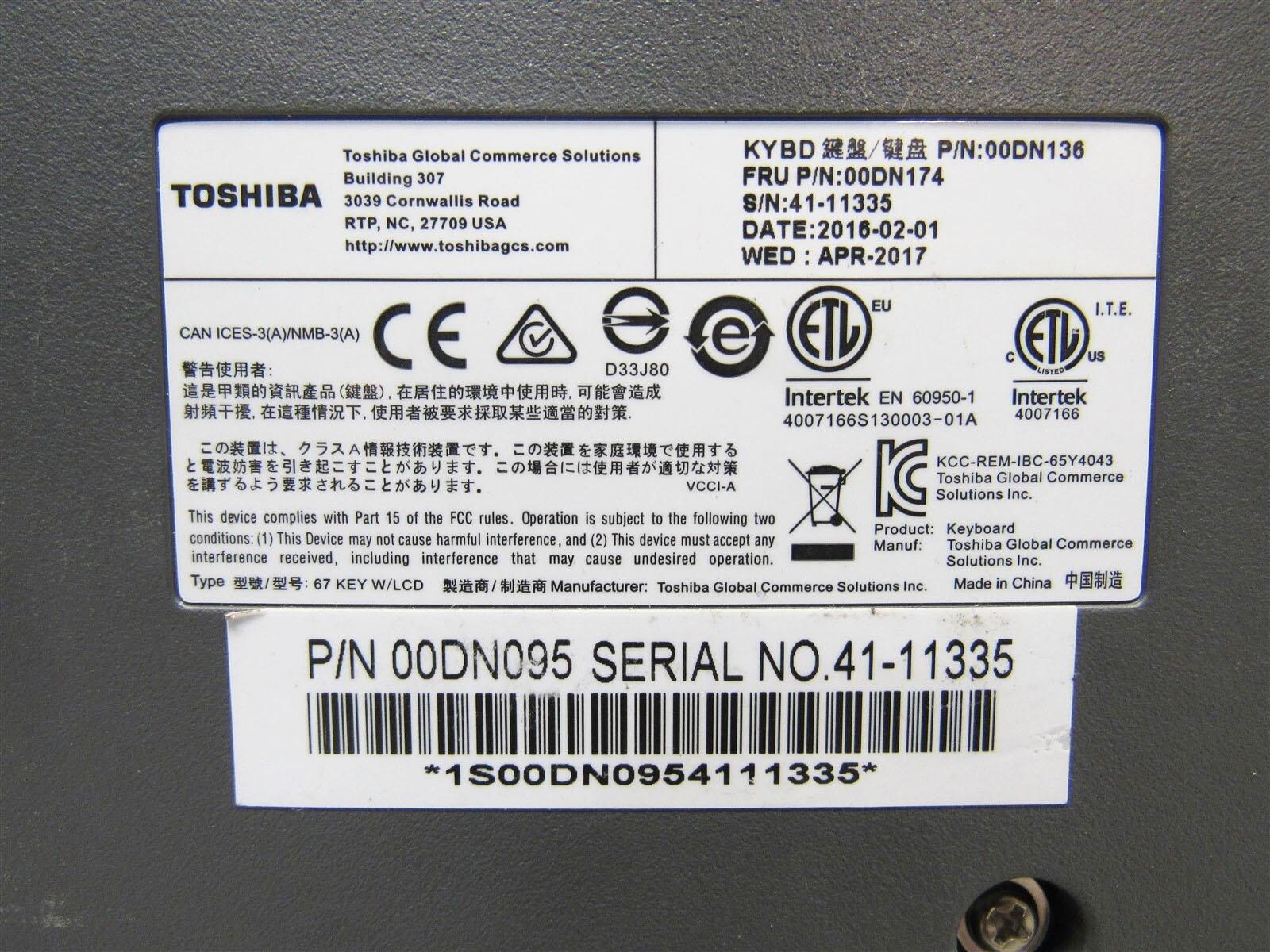
POS keyboards endure thousands of key presses daily in retail environments, making them one of the most frequently replaced components. Here are the five most common problems and how to resolve them quickly to minimize downtime.
Problem 1: Unresponsive or sticky keys. This is usually caused by debris, food particles, or liquid spills that have accumulated under the key caps. Solution: Remove the affected key caps, clean the membrane contacts with isopropyl alcohol, and replace the key caps. If the membrane itself is damaged, a full membrane replacement is needed.
Problem 2: Multiple keys registering at once (ghosting). This occurs when the keyboard membrane develops short circuits, often from liquid damage or wear. The membrane layers make unintended contact, causing phantom key presses. Solution: Replace the entire keyboard membrane — cleaning rarely resolves membrane shorts.
Problem 3: Intermittent connection issues. If the keyboard works sometimes but not others, check the cable connection between the keyboard and the POS terminal. Loose connectors, damaged cables, or oxidized pins are common culprits. Solution: Reseat the cable, clean the connector with contact cleaner, or replace the cable.
Problem 4: Worn or illegible key legends. Heavy use causes the printed text on key caps to fade or wear away, leading to operator errors. Solution: Replace individual key caps or the full key cap set. Some businesses use custom key cap overlays that can be replaced inexpensively.
Problem 5: Complete keyboard failure. When the entire keyboard stops responding, the issue is typically the controller board or the connection to the mainboard. Solution: Test with a known-good keyboard to isolate whether the problem is the keyboard or the terminal. Replace the keyboard assembly if it is the faulty component.
Prevention tip: Regular cleaning with compressed air and a damp cloth can prevent most keyboard issues. For high-traffic environments, consider keyboard covers or silicone protectors that prevent liquid and debris from reaching the membrane.
WenShin Technology supplies POS keyboard membranes, key cap sets, and complete keyboard assemblies for IBM SurePOS and Toshiba TCx terminals. All parts ship worldwide with a 90-day warranty.
Need the parts mentioned in this article?
Browse our catalog or contact our technical team for help finding the right component.