
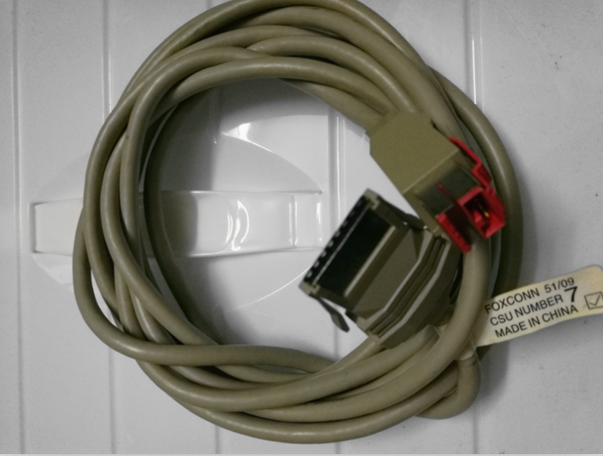
Cables & Connectors
USB cables, display cables, and data connectors for POS systems
34 products
POS cabling: serial (RS-232) data cables, USB-A to USB-B and USB-B to RJ50 powered USB, drawer-kick RJ11/RJ12 cables, parallel printer cables, Ethernet patch leads, locking power cords (C13/C14, C15/C16 for hot environments), and a range of OEM-style cable harnesses for IBM 4690, Toshiba SurePOS and NCR RealPOS terminals. Behind every reliable POS lane is a properly specified cable — we list the gauge, length, shield type and connector specification on every product page.

Anker RJ12 cable 3meter length,use for POS keyboard and cash drawer connect

EPSON TM-M30 Printer USB CABLE 3M Lenght
IBM TOSHIBA 1NR 2NR Printer USB Cable

TOSHIBA 6145 2TC Impact printhead cable 3AC00571400
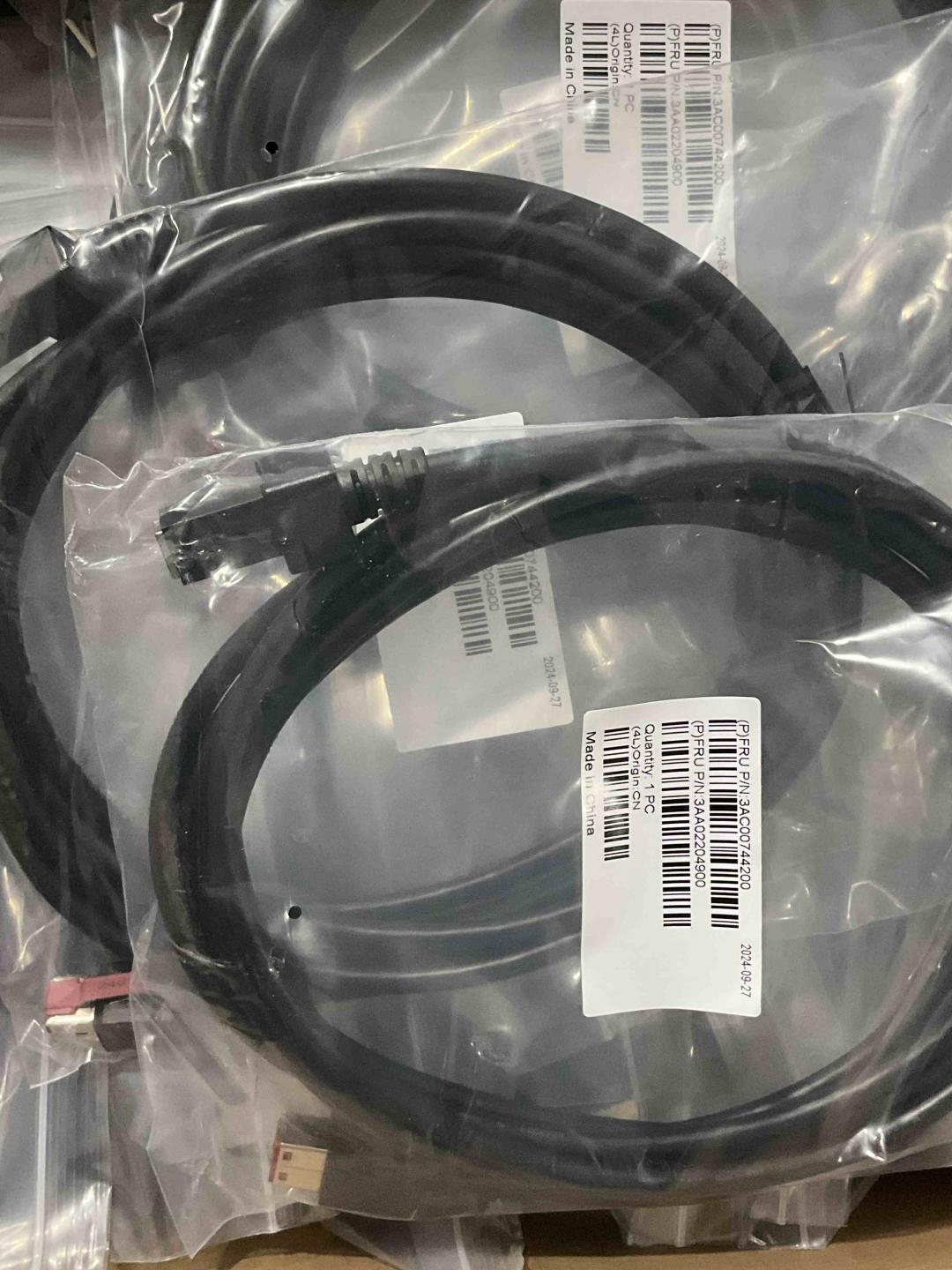
TOSHIBA 6145-2TN 2TC POS Printer 24V USB Cable 3.8m PN 3AA00744200
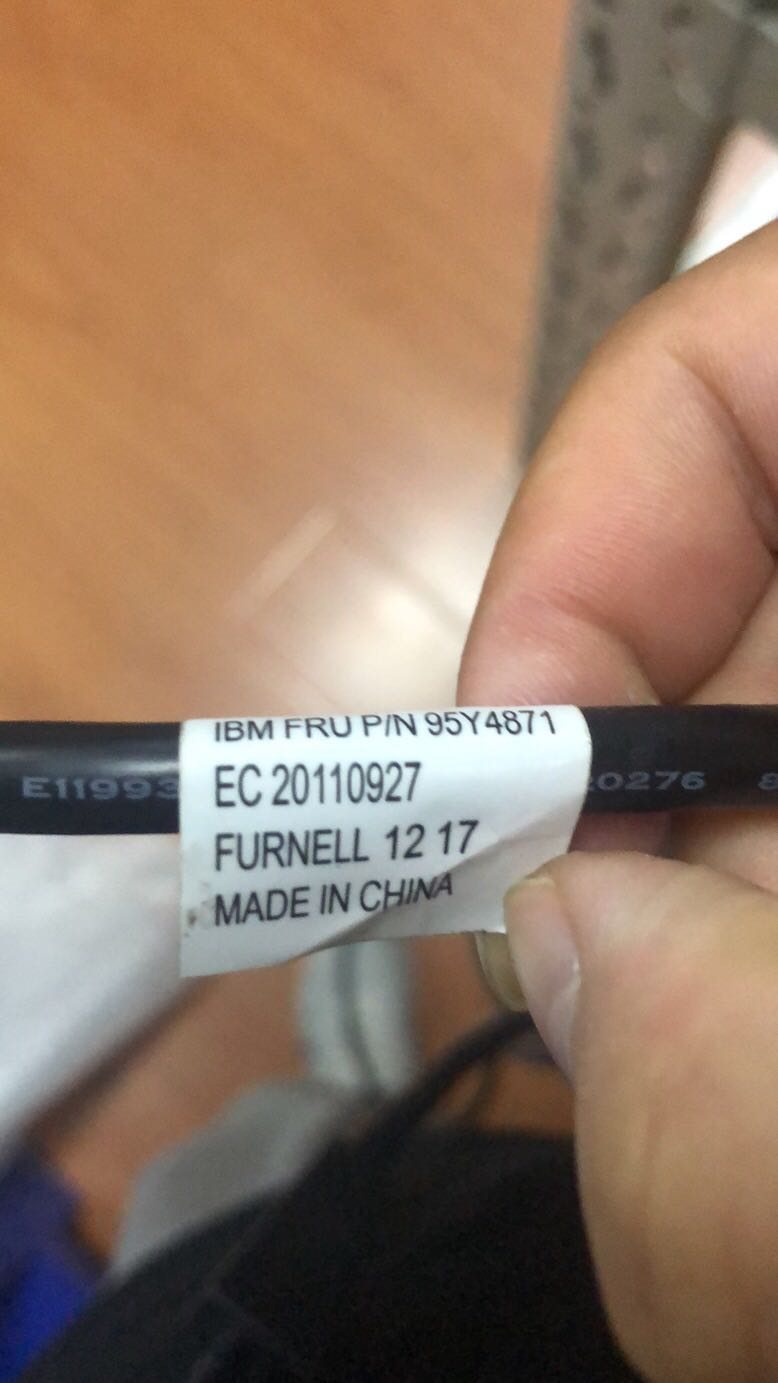
TOSHIBA IBM TCxWave POS HUB 24V CABLE PN 95Y4871
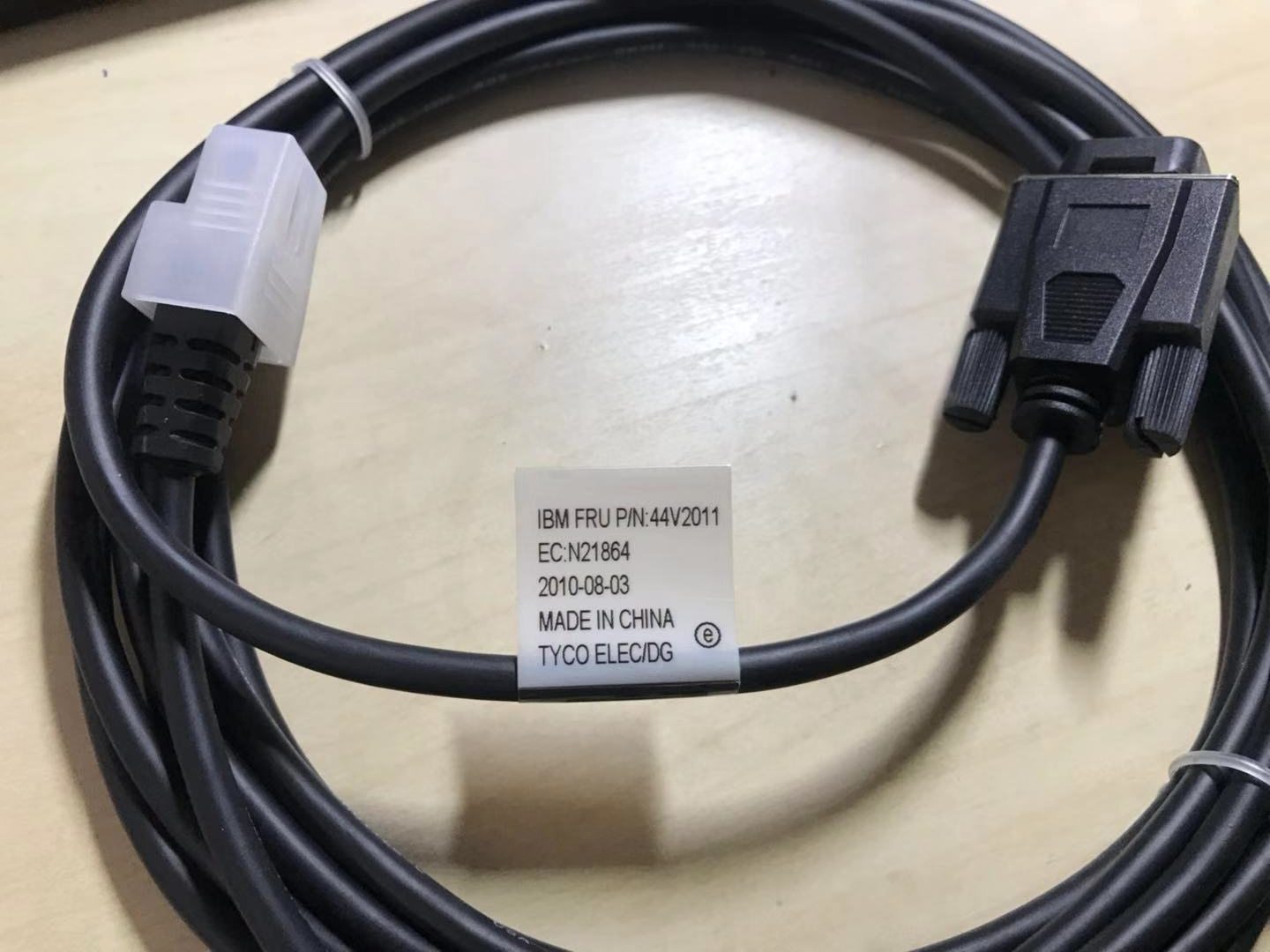
IBM 44V2011 VFD-II Customer Display Cable
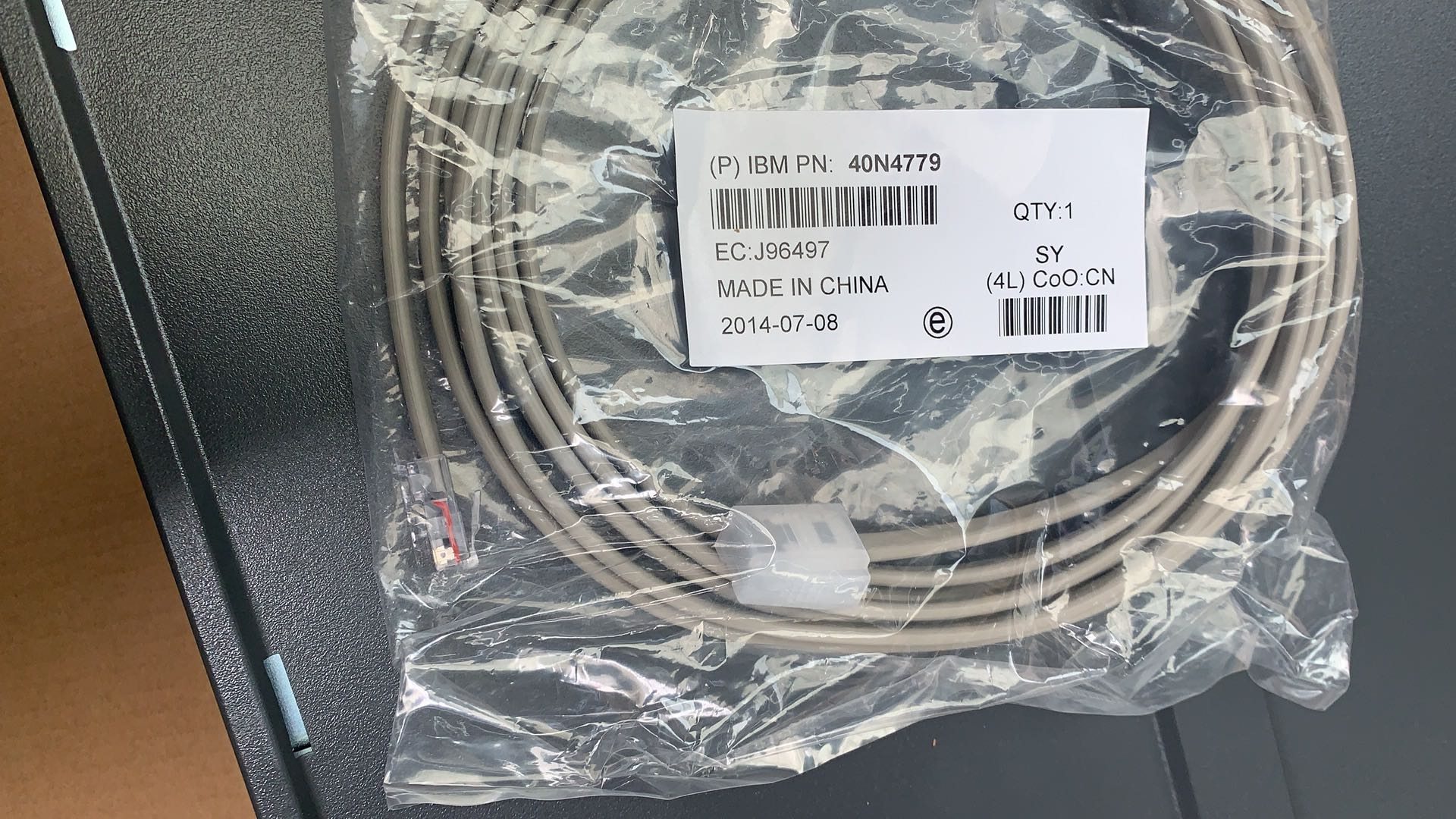
IBM POS Terminal Cash Drawer Cable PN40N4779
%20Cable/8acd99231221cbaa2a659c8bc5655861_333040F5-68BE-43f4-B544-F7311356D86F.jpg)
IBM POS DISPLAY RS485(42M5633) Cable
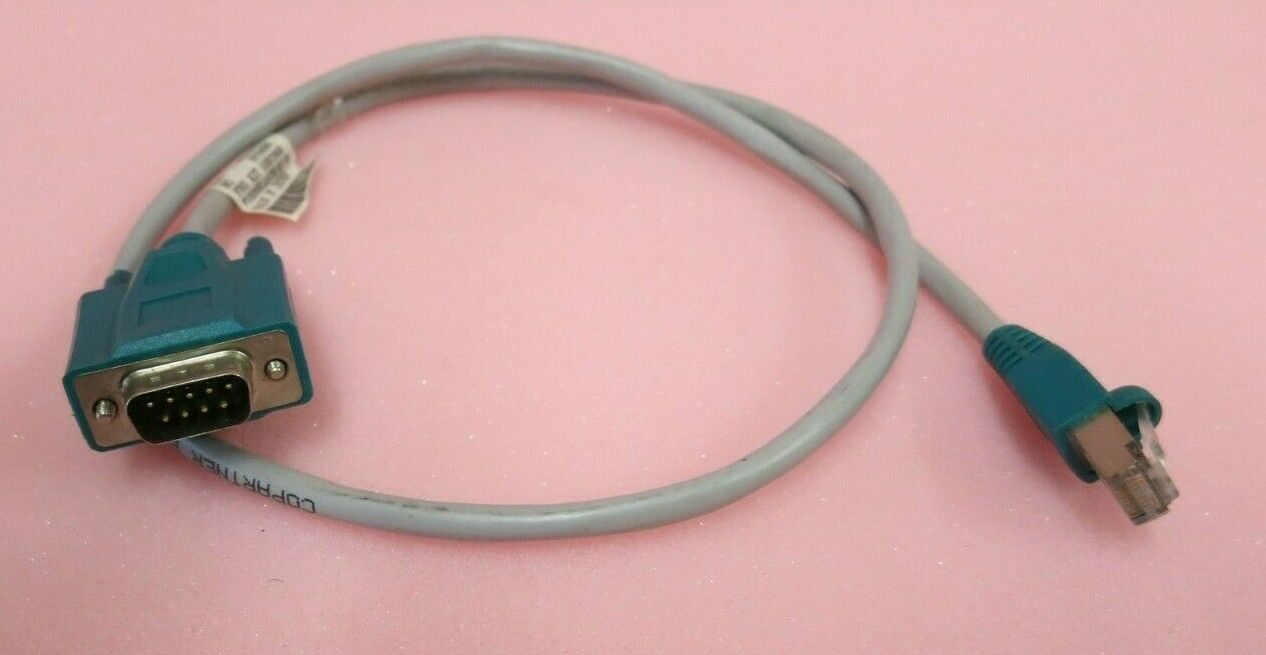
IBM Surepos 500 POS Terminal RS232 Male 9P To RJ45 Cat5 2FT Serial Cable PN 57P4083
IBM TG4 TI4 Thermal Print Head Cable
IBM TOSHIBA 4610 1NR 2NR 2CR Printer Thermal Printhead Cable Flex
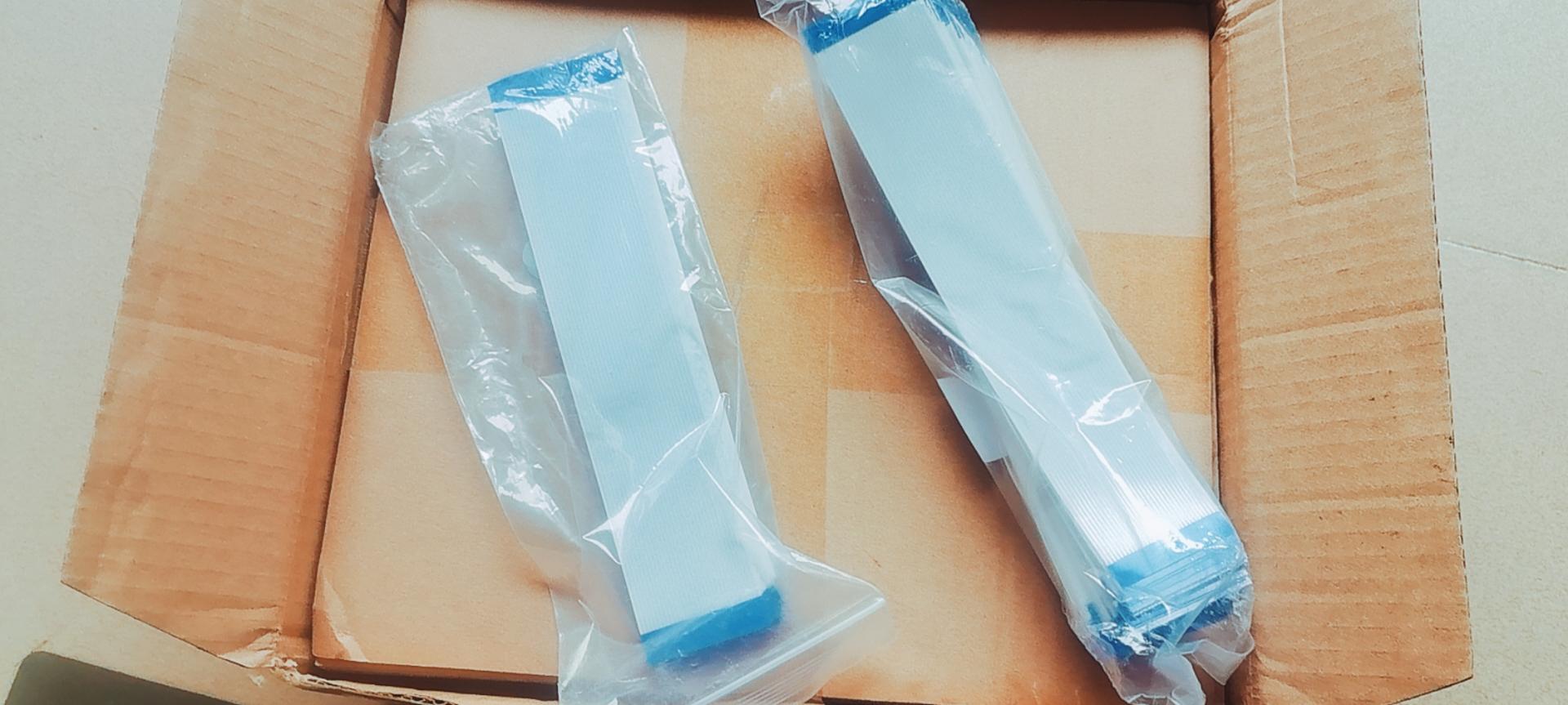
TOSHIBA 6145-1TN 2TN 2TC Thermal Printhead Cable FPC
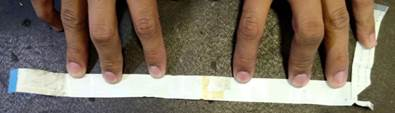
TOSHIBA IBM 4610 2CR and TG4 printer dot matrix printhead flex cable
New
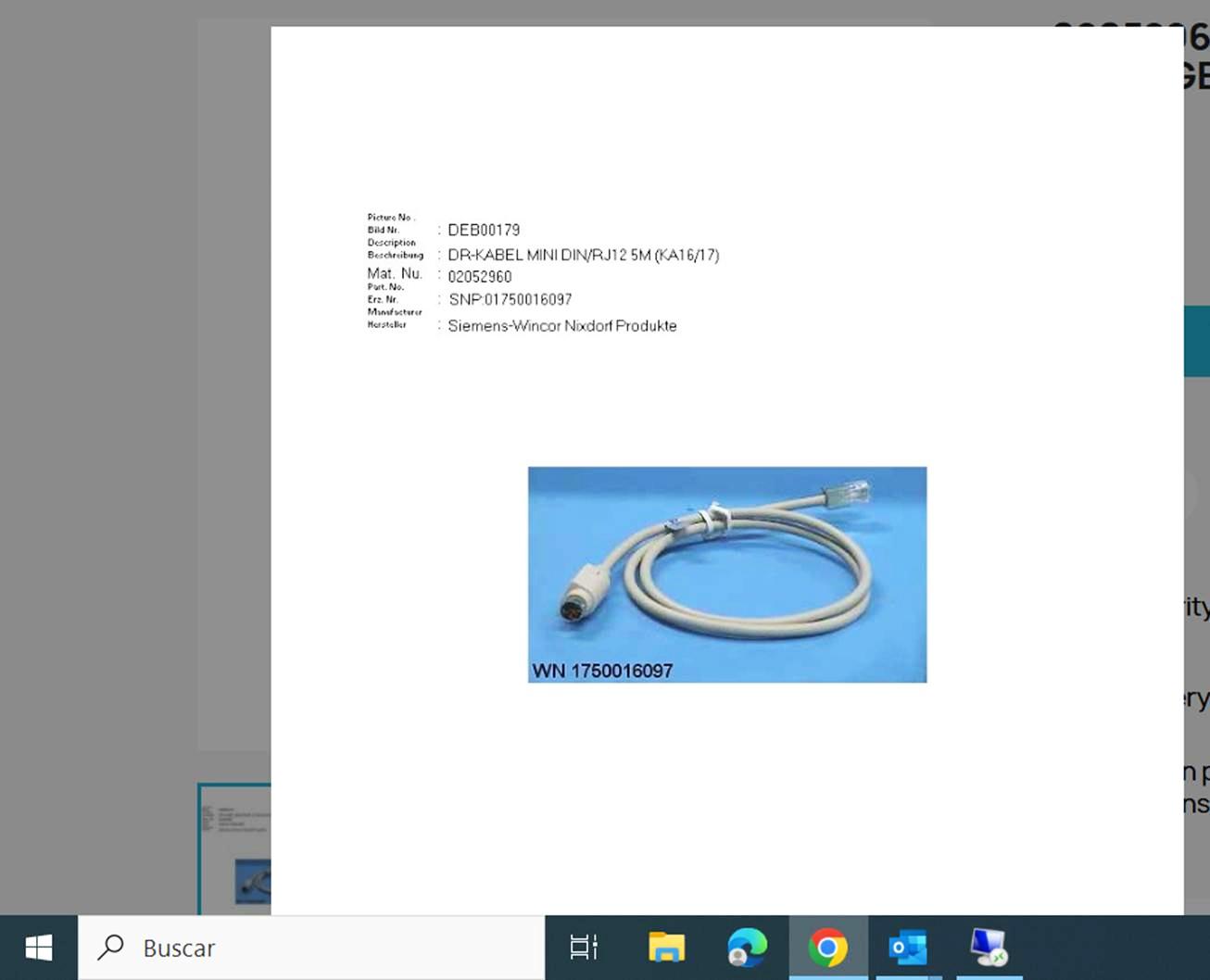
WINCOR NIXDORF POS Cash Drawer Cable 01750016097
New
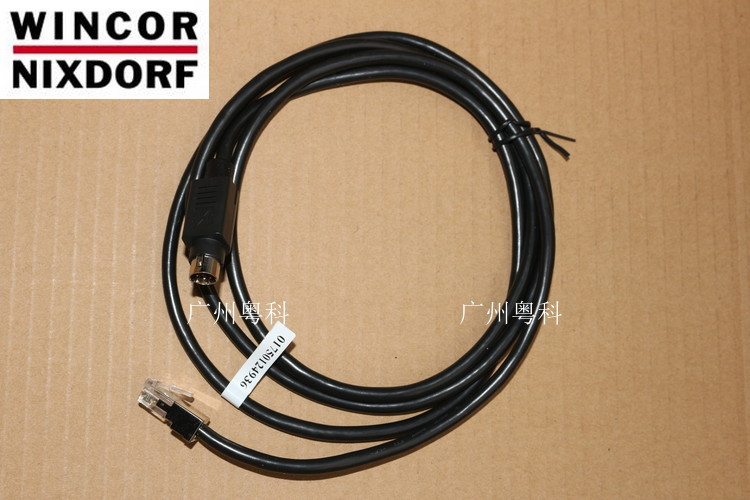
Wincor Nixdorf K17 K21 Cash Drawer Cable
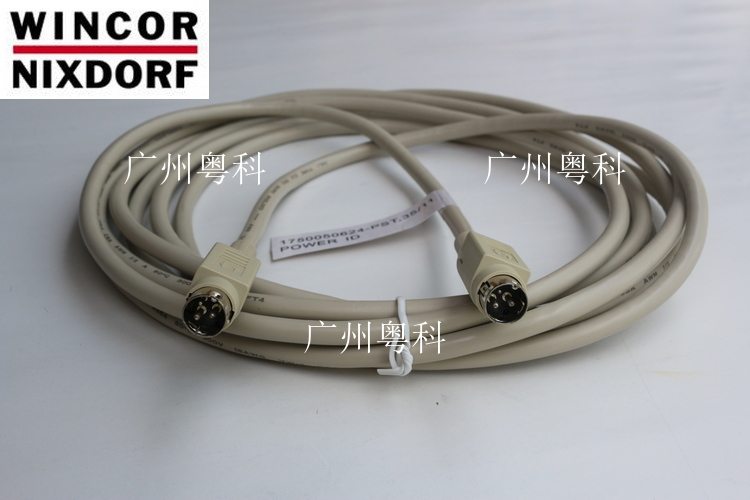
New
Wincor Nixdorf ND210 ND77 Printer Power Cable
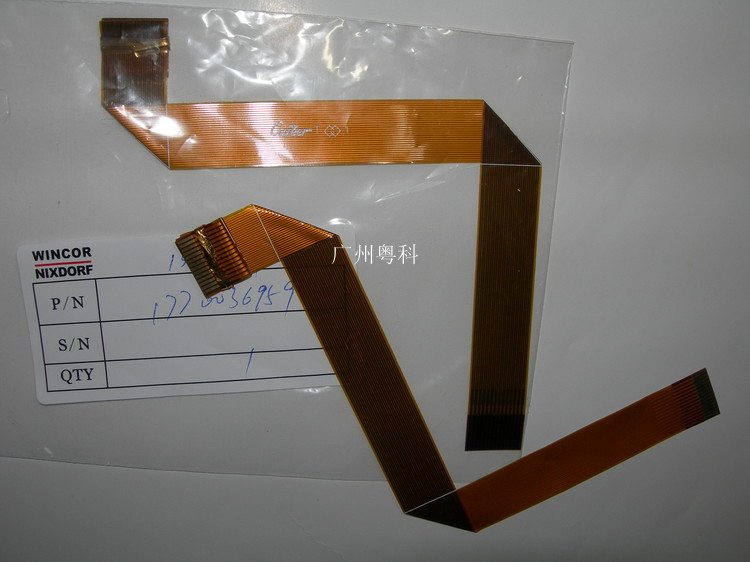
New
Wincor Nixdorf ND210 ND77 Printhead Cable
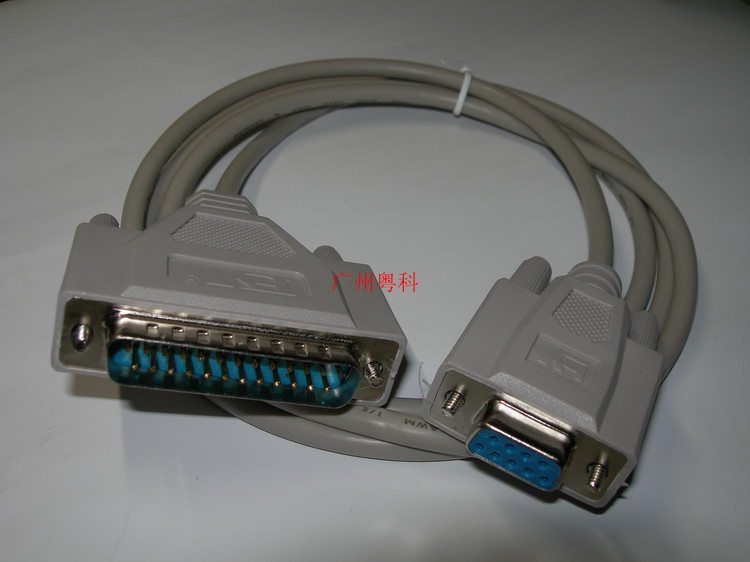
New
Wincor Nixdorf ND210 ND77 POS Printer Serial Port Cable
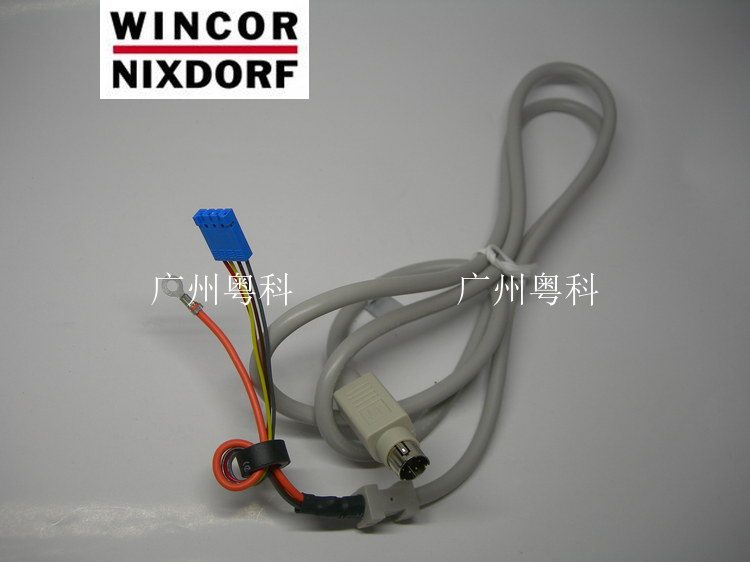
New
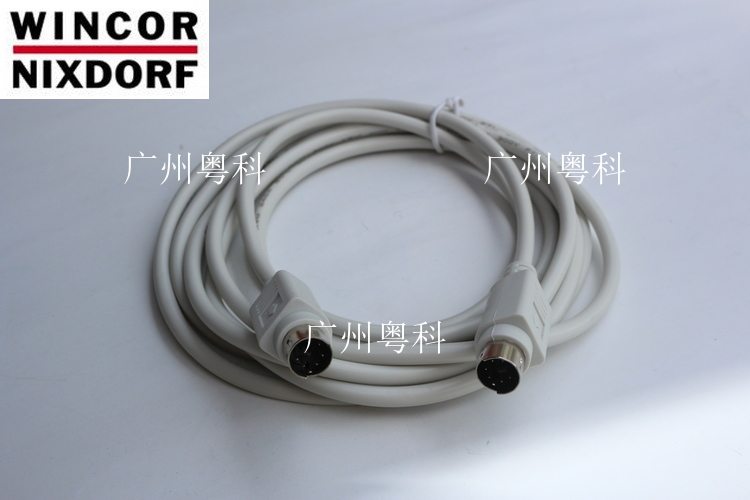
Wincor Nixdorf TA61 POS Keyboard Cable
New
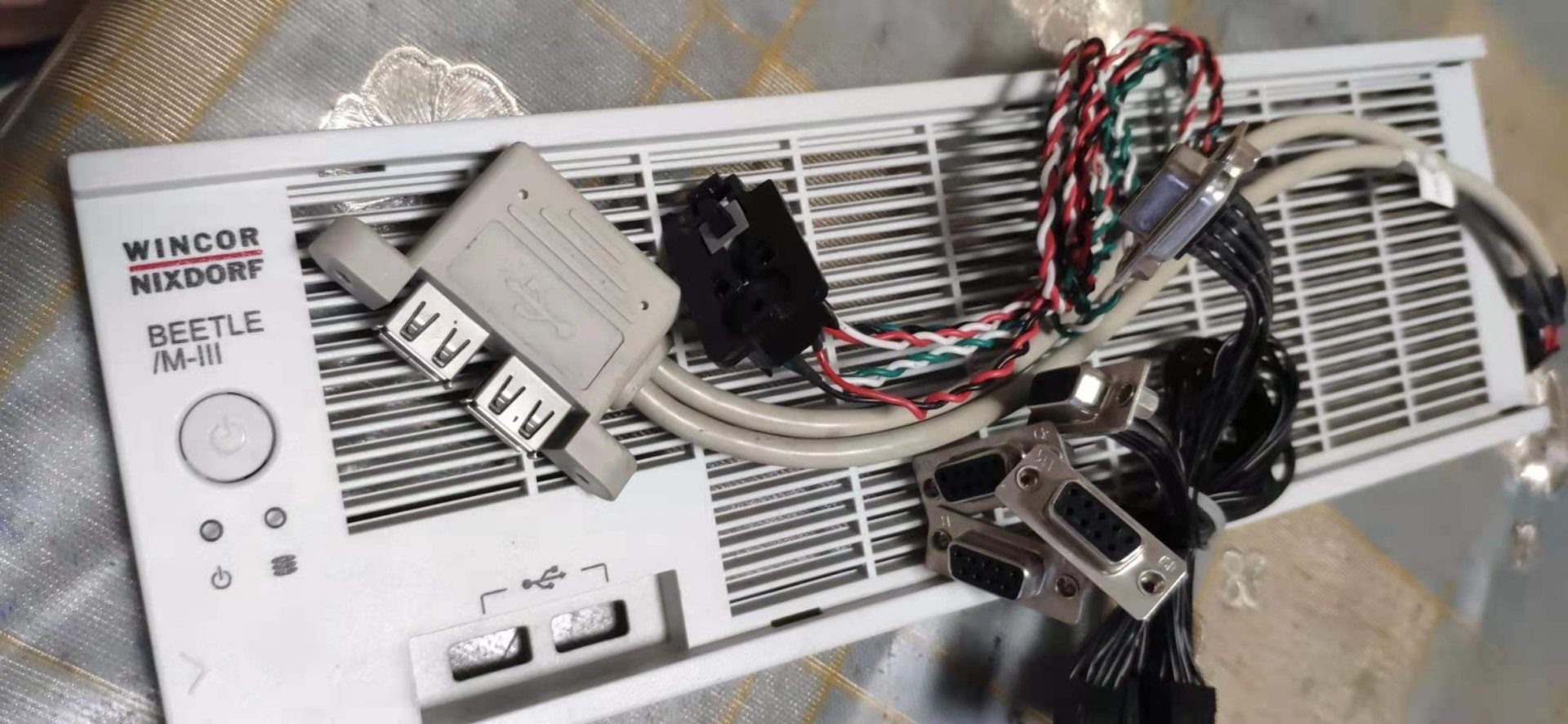
Wincor Nixdorf TA85 TA85P POS Keyboard Cable
New
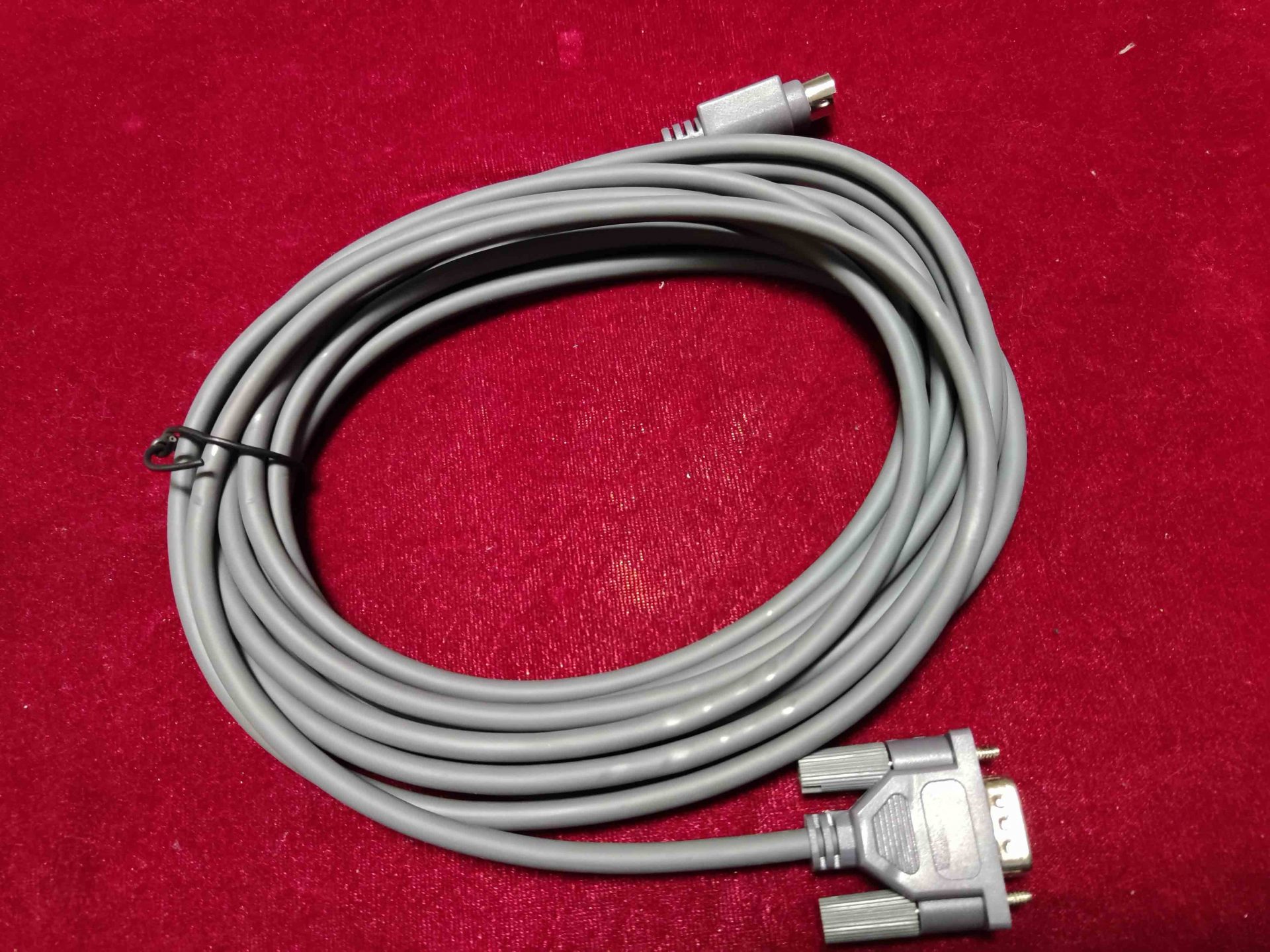
Wincor Nixdorf BEETLE MIII Front Bezel with Switches And Cable
IBM TOSHIBA 1NR 2NR Printer USB Cable
TOSHIBA 6145-2TN 2TC POS Printer 24V USB Cable 3.8m PN3AA00744200
TOSHIBA IBM WAVE POS HUB 24V CABLE PN 95Y4871
New
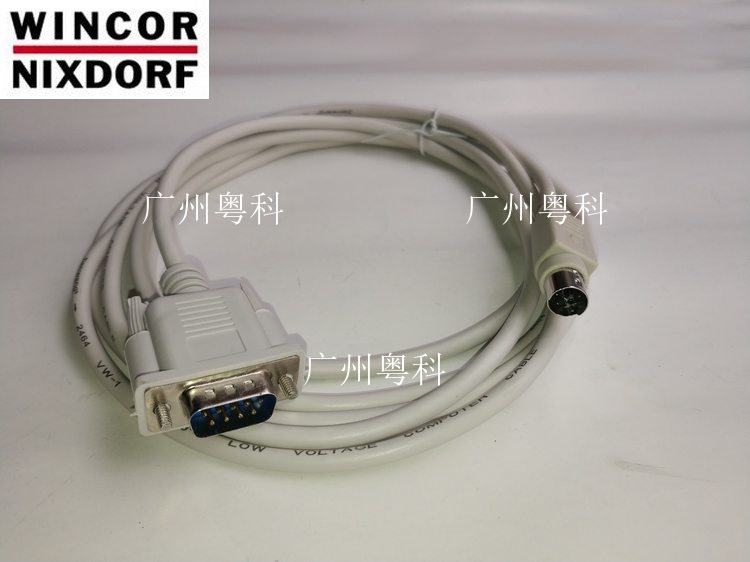
WINCOR BA63 Customer Display Cable
New
Wincor Nixdorf BA63 POS Customer Display Cable
New
WINCOR NIXDORF POS Cash Drawer Cable 01750016097
New
Wincor Nixdorf K17 K21 Cash Drawer Cable
New
Wincor Nixdorf ND210 ND77 Printer Power Cable
New
Wincor Nixdorf ND210 ND77 Printhead Cable
New
Wincor Nixdorf ND210 ND77 Serial Port Cable
New
Wincor Nixdorf TA61 POS Keyboard Cable
New
Wincor Nixdorf TA85 TA85P POS Keyboard Cable
Browse other categories
Bixolom printer and accessoriesEpson POS Printer And PartsFujitsu Printer And PartsMettler Toledo Electronic Scale And Spare PartsNCR RealPOS Printer And PartsPDA Equipment And PartsSNBC Thermal Printer And PartsStar micronics Printer And PartsTOSHIBA/IBM POS Terminal And Repair PartsWINCOR NIXDORF POS Terminal And Repair PartsCard Readers & ScannersCash Drawer and PartsCooling & HeatsinksDisplays & MonitorsInterface & Riser CardsPOS KeyboardsMainboards & MotherboardsOther PartsPOS Receipt PrintersPOS Terminal Repair PartsPOS TerminalsPower SuppliesPrinter Cutter & Gear PartsPrinter Interface CardsStorage & MemoryThermal Print HeadsCash Drawer Parts
Browse by brand
Frequently asked questions
Powered USB (USB+Power) — what is it and do I need it?
Powered USB carries 5V (and optionally 12V, 24V) alongside standard USB data on a single connector — it lets a single cable power a peripheral that would otherwise need its own power brick. IBM-style 24V Powered USB is common on 4690 and SurePOS terminals; if your printer or scanner came from one of those families, the cable likely is Powered USB.
Can I extend a USB-attached scanner with a cheap USB extension cable?
Up to ~5 meters total cable length, with quality 28AWG cable, yes. Beyond that, USB's signaling spec breaks down and you'll see intermittent reads. For runs over 5 meters use an active USB extender (a powered hub midway) or convert to Ethernet at both ends.
Why do my serial-attached devices drop offline intermittently?
RS-232 is sensitive to ground loops in commercial environments. Use shielded cable with the shield grounded only at the host end, keep runs under 15 meters, and avoid running parallel to AC mains. For longer runs, RS-422 or USB-to-serial isolators dramatically improve reliability.
Are your cables OEM or aftermarket?
We stock both. OEM cables (e.g. genuine IBM, Toshiba TEC) are noted as such with the FRU number. Aftermarket cables match the spec and connector but at typically 30-50% lower cost; the construction is identical to OEM in most cases (same factories).