
Choosing a Replacement POS Power Supply: Voltage, Amperage, Connector and Polarity (Get It Right the First Time)
A buying guide to replacing a POS or peripheral power supply — why voltage must match exactly, why amperage is a minimum (not a maximum), how to match the connector size and polarity, and how to avoid an unsafe counterfeit adapter.
The four specs that matter
Replacing a POS power supply isn’t about wattage guesswork — it’s four specs read off a label. Match the voltage exactly, supply at least the rated amperage, and match the connector and polarity perfectly. Get those four right and the replacement just works; get one wrong and the device won’t power up — or gets damaged.
| Spec | Rule | Get it wrong and… | |
|---|---|---|---|
| Voltage (V) | Match exactly | Won't start (low) or damage (high) | — |
| Amperage (A) | At least the rated value | Underrated supply overheats / shuts down | — |
| Connector | Match size, length & type | Won't seat or makes poor contact | — |
| Polarity | Match the +/- diagram | Reversed polarity can damage instantly | — |
Reading the rating label
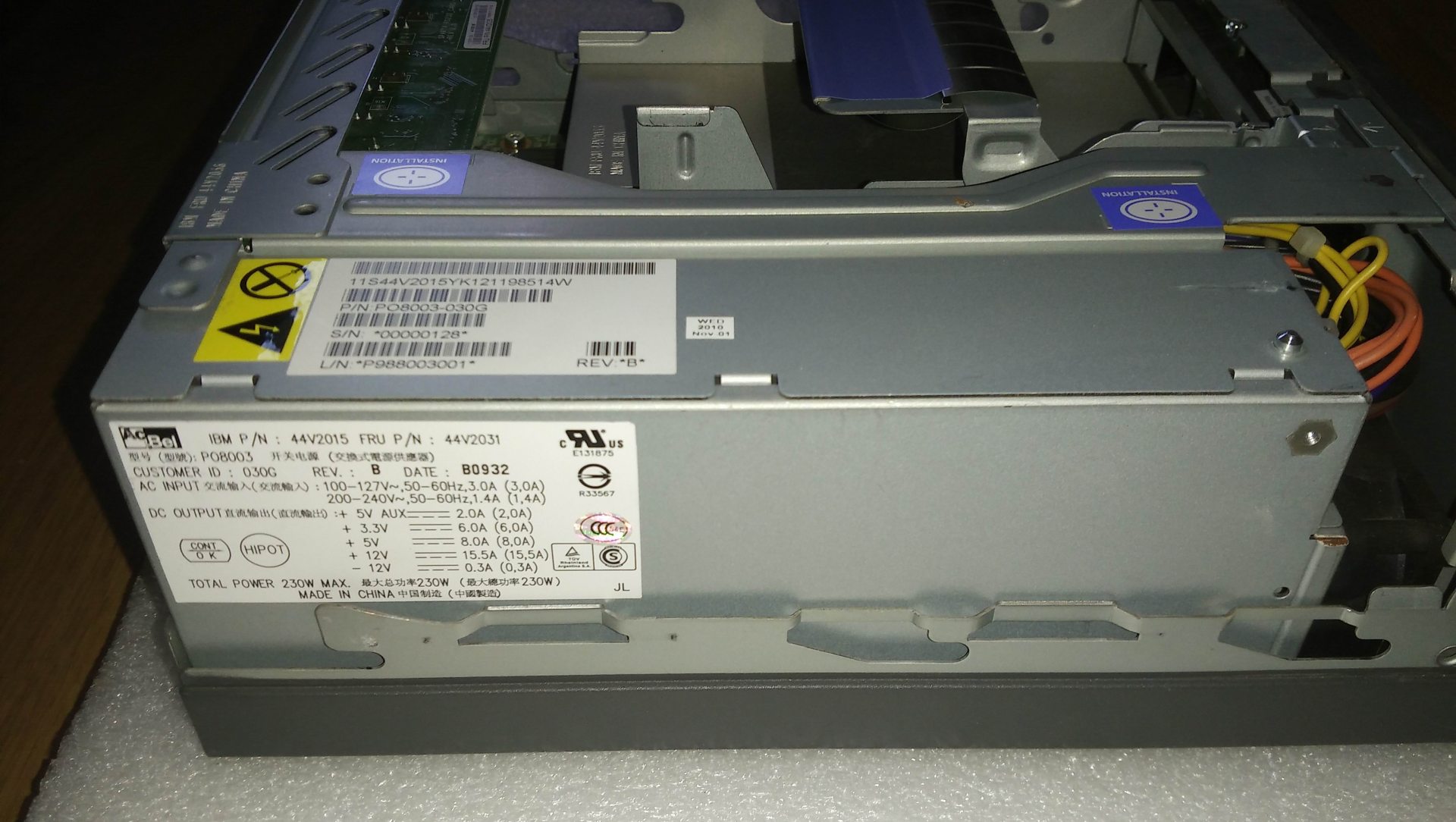
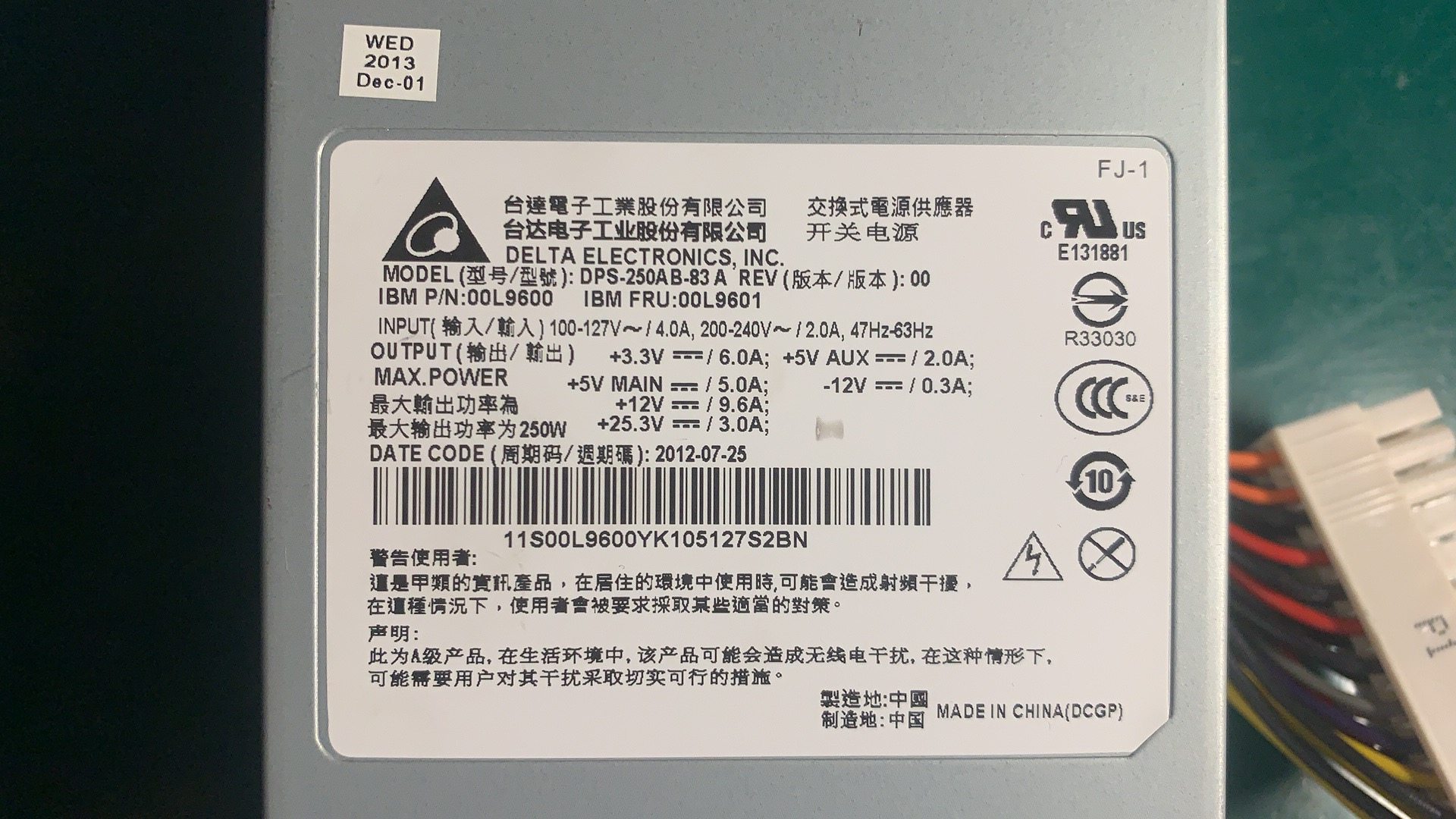
Everything you need is on the rating label of the device or the old adapter. A typical POS adapter label reads like this:
If the label is worn, the device manual lists the same voltage and current. Note the output figures (the DC the device needs), not the input (mains) figures.
Voltage: match it exactly
Voltage is the one spec with zero tolerance for “close enough.” It must match the device’s rated input because internal regulators expect that level:
| If voltage is… | Result | |
|---|---|---|
| Too low | Device won't power up, or browns out and behaves erratically | — |
| Exactly matched | Correct — what the device is designed for | — |
| Too high | Risk of immediate or gradual damage to the device | — |
Amperage: a minimum, not a maximum
Amperage works the opposite way to voltage: it’s a floor, not a fixed target. The device pulls only the current it needs, so equal-or-higher is safe.
| Original | Replacement | OK? | |
|---|---|---|---|
| 24V 2.5A | 24V 2.5A | Yes — exact match | — |
| 24V 2.5A | 24V 5A | Yes — higher amps is fine, often runs cooler | — |
| 24V 2.5A | 24V 2A | No — underrated, will overheat / shut down | — |
| 24V 2.5A | 19V 5A | No — wrong voltage, ignore the amps | — |
Connector size and polarity
A perfectly-specced supply is useless if the plug doesn’t fit the jack — or fits loosely. Match the physical connector too:
| Connector check | What to match | |
|---|---|---|
| Outer diameter (OD) | The barrel's outside size in mm — must match the jack | — |
| Inner diameter (ID) | The centre-pin hole size in mm | — |
| Length / shape | Long enough to seat fully; some are keyed or locking | — |
| Connector type | Barrel, keyed DIN, or a standard like Powered USB on some printers | — |
Safety, certification and counterfeits
A POS power supply runs all day and often powers payment hardware, so safety isn’t optional. Run this final check before buying:
- 1
Confirm V, A, connector, polarity
Voltage exact, amperage at least the rating, connector size/type matched, polarity diagram matched. All four before anything else. - 2
Check for certification marks
Look for proper safety certification on the unit. Missing or unclear markings suggest a brick that may not meet safety standards.Caution: Suspiciously low prices versus genuine units are a common counterfeit signal. - 3
Buy OEM or a reputable replacement
Choose the genuine OEM supply or a vetted equivalent with the right specs and certification — not the cheapest anonymous adapter. - 4
Test before deploying
Power the device and confirm normal operation before putting the lane back into service. Watch for a unit that runs hot or buzzes.
Browse power adapters and internal PSUs in our power supplies category, related parts in terminal repair parts, and DC/power leads in cables & connectors. If your device shows no power at all, first work through our power-supply failure diagnosis guide to confirm the supply is the fault; for printers on the Powered USB standard, see the Powered USB guide. Send us the label figures (V, A, connector) and we’ll match the right supply.
Frequently Asked Questions
How do I find what power supply my POS device needs?
Does the replacement voltage have to be exactly the same?
Can I use a power supply with a higher amperage rating?
How do I match the DC connector (barrel plug)?
What is polarity and why does it matter?
Are cheap unbranded replacement adapters safe?
Sources & further reading
- Selecting a Replacement External Power Supply — What You Need to Know — Power Electronic Tips
- How to Select a Replacement Power Adaptor or DC Power Supply — Antsig
- How Can You Know What Power Supply Will Work With Your Device? — The Solid Signal Blog
- How to Find the Right Power Adapter: Safety & Buying Tips — KYT Chargers
Related guides
All-in-One vs Modular POS Terminals: Which to Buy (and How Each Affects Repairs)
All-in-one is tidy and fast to deploy; modular is flexible and cheaper to upgrade and repair. The right answer depends on your size, growth plans — and how you want failures handled. Here's the honest comparison.
Read guide →Barcode Scanner Buying Guide: 1D Laser vs 2D Imager, Corded vs Wireless, Handheld vs Hands-Free
Two questions decide most of it: do you need to scan phone screens (then 2D), and is your counter busy enough to want hands-free? Here's how scanner technology, form factor and connection map to real retail use.
Read guide →Receipt Printer Auto-Cutters: Guillotine vs Rotary, Partial vs Full Cut, and Blade Life
Guillotine or rotary? Partial or full cut? The cutter is the most-used moving part in a receipt printer — choosing the right type and cut mode keeps the lane fast and the receipts tidy. Here's how they differ.
Read guide →Related categories
Featured parts in this guide
%20Sparta%20Riser%20Card/120c399634d85265f7a7595a979407ee_c48b4b186f0a2eea2b86d0d5a86c219e_s-l1600.jpg)
Need the parts mentioned in this guide?
Genuine OEM and quality-tested aftermarket parts for IBM, Toshiba, NCR, Diebold, Wincor and Hyosung systems — with worldwide shipping.