
Cooling & Heatsinks
CPU heatsinks, fans and cooling assemblies for POS terminals
6 products
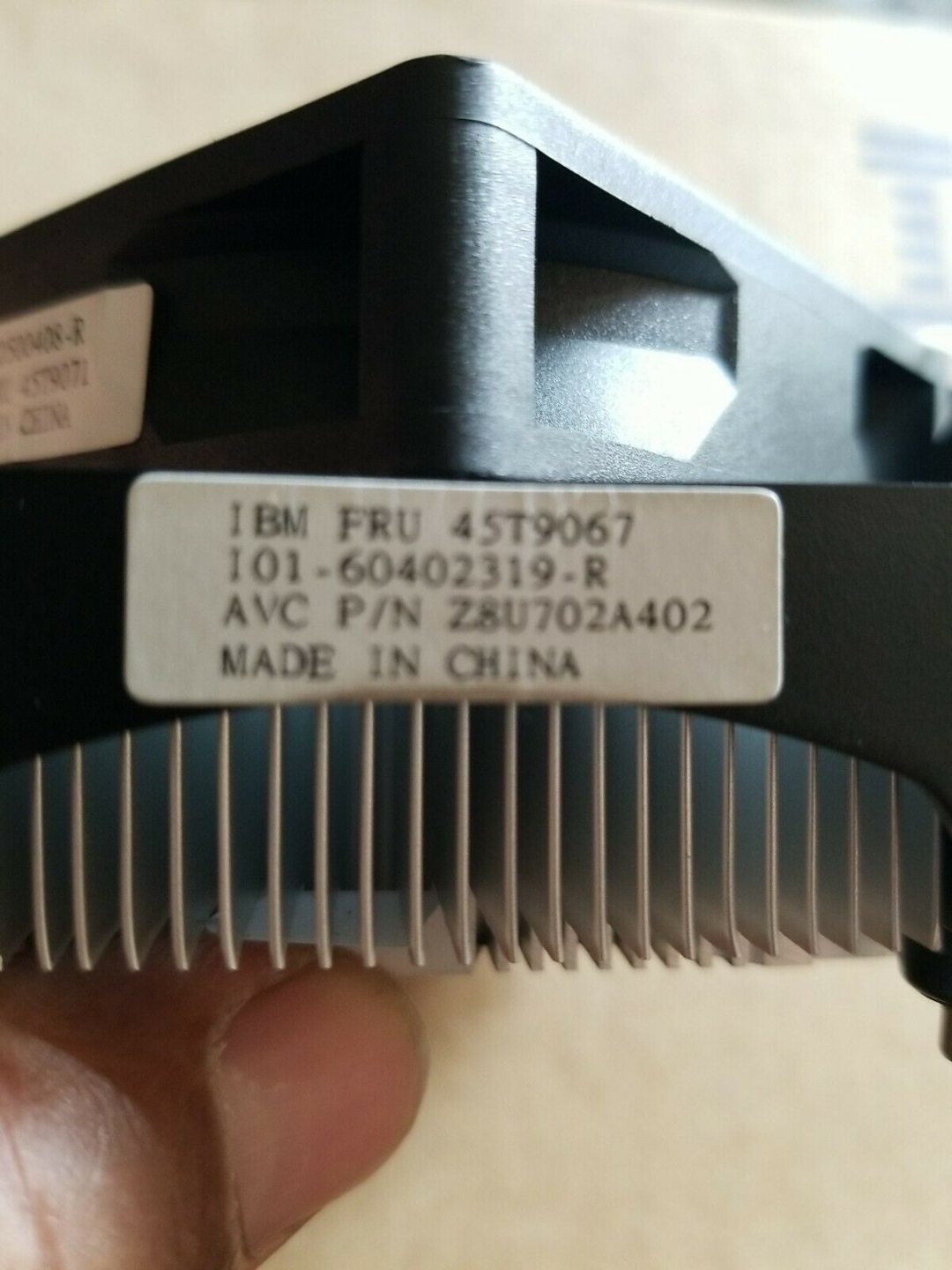
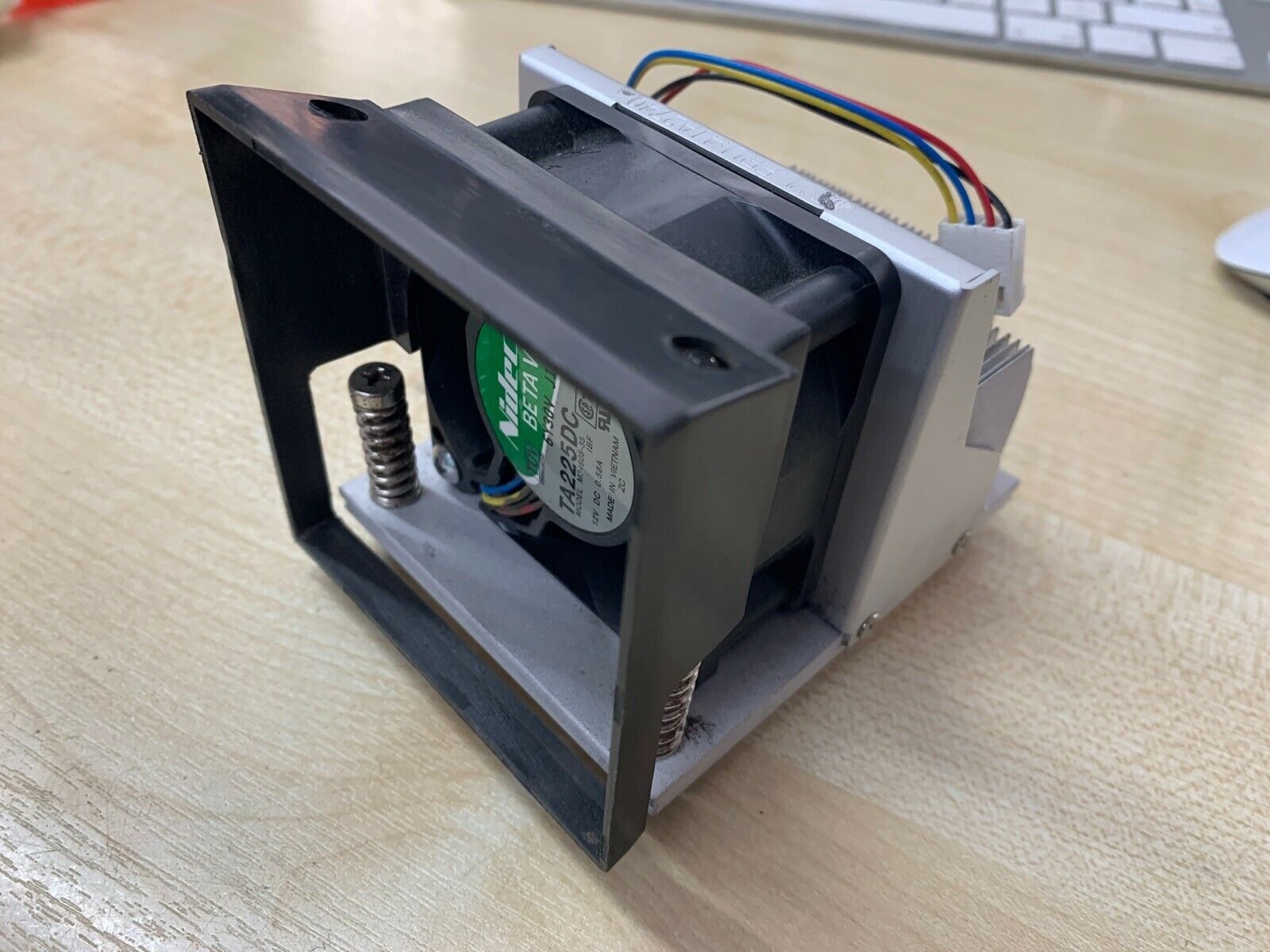
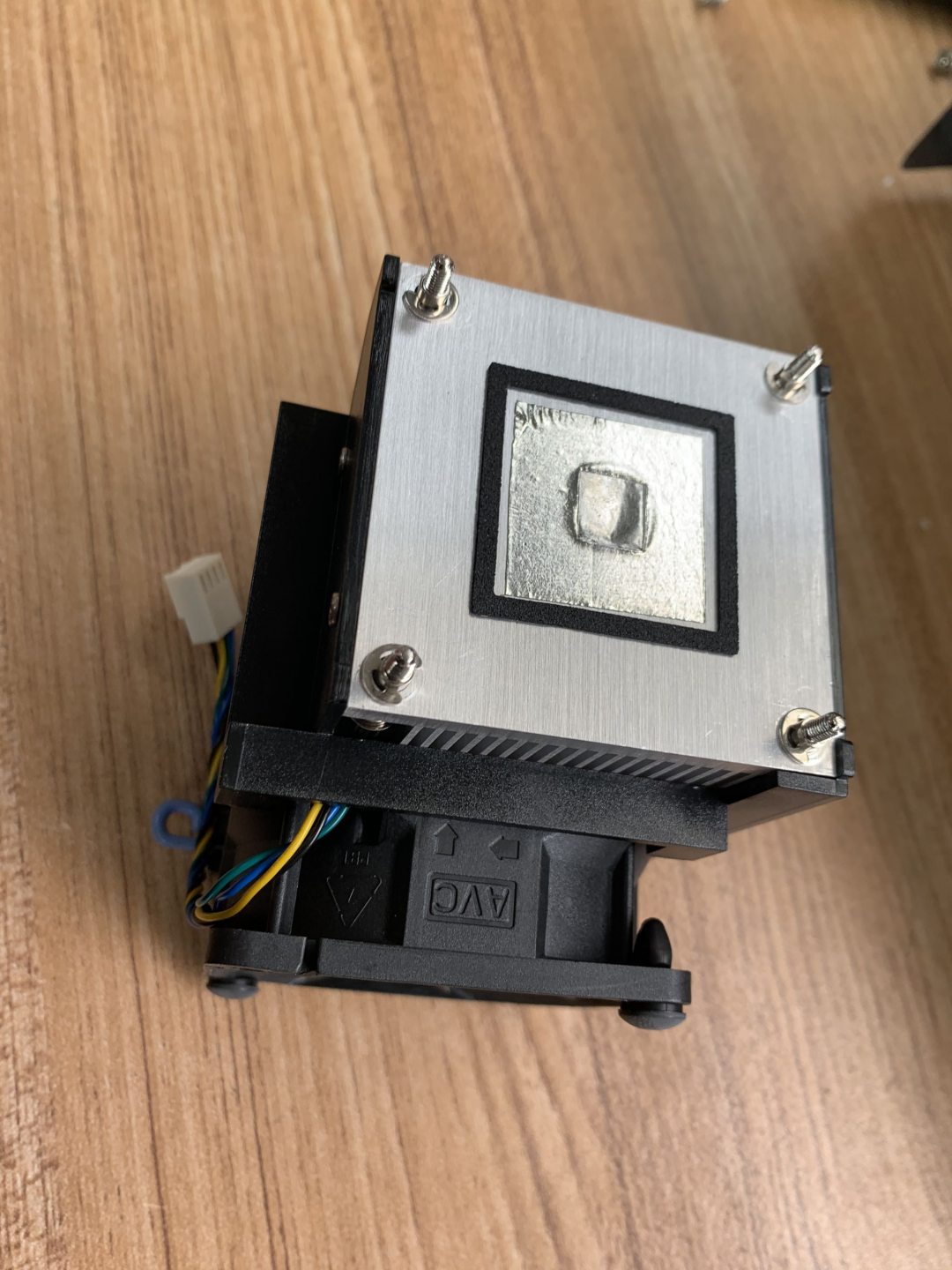
Replacement fans, heatsinks and thermal pads for POS terminals — the 4cm and 6cm chassis fans, CPU coolers and case-mounted exhaust fans that keep all-in-one POS units running 24/7. Failed cooling is a leading cause of POS thermal throttling and premature failure: a fan stuck at half speed or rattling on worn bearings allows internal temperatures to climb, accelerating capacitor aging and CPU degradation. Fans for IBM 4900, Toshiba SurePOS, NCR 5965 and other major families, plus universal-fit cooling kits.
Browse other categories
Bixolom printer and accessoriesCables & ConnectorsEpson POS Printer And PartsFujitsu Printer And PartsMettler Toledo Electronic Scale And Spare PartsNCR RealPOS Printer And PartsPDA Equipment And PartsSNBC Thermal Printer And PartsStar micronics Printer And PartsTOSHIBA/IBM POS Terminal And Repair PartsWINCOR NIXDORF POS Terminal And Repair PartsCard Readers & ScannersCash Drawer and PartsDisplays & MonitorsInterface & Riser CardsPOS KeyboardsMainboards & MotherboardsOther PartsPOS Receipt PrintersPOS Terminal Repair PartsPOS TerminalsPower SuppliesPrinter Cutter & Gear PartsPrinter Interface CardsStorage & MemoryThermal Print HeadsCash Drawer Parts
Browse by brand
Frequently asked questions
My POS terminal is rattling — fan or hard drive?
Both are common. A power-down test isolates it: shut the system off — if the rattle continues for a few seconds (HDD spin-down) it's the drive; if it stops immediately it's the fan. Visual inspection through the chassis vents usually identifies a wobbly fan.
How do I clean a POS fan without taking the case apart?
Compressed air through the vents removes most accumulated dust — hold the fan blades still with a small probe while spraying to prevent the airflow from over-spinning the bearings (which damages them). For a deep clean, the case has to come apart.
Are aftermarket fans as quiet as OEM?
Quality aftermarket fans (Sunon, Delta, Nidec) are typically as quiet or quieter than OEM — many OEM fans are rebadged from these factories. Cheap no-brand fans, by contrast, are noisier and have shorter bearing life.
Do I need to replace thermal paste when changing a fan?
Not usually — the fan attaches to the heatsink, not the CPU die. Only when replacing the heatsink-and-fan combined unit (or removing the heatsink for cleaning) do you need to refresh the thermal interface material. Quality non-conductive paste is inexpensive and a 2g tube does many service jobs.