
%20PC-2100U%20MT4VDDT1664AG-265C/936cf16d5cc6e424248e769e17849b2e_a28b7dc5077177d70b55f65c1e123547_s-l1600.jpg)
Storage & Memory
SSD drives, DDR memory modules and storage for POS terminals
5 products
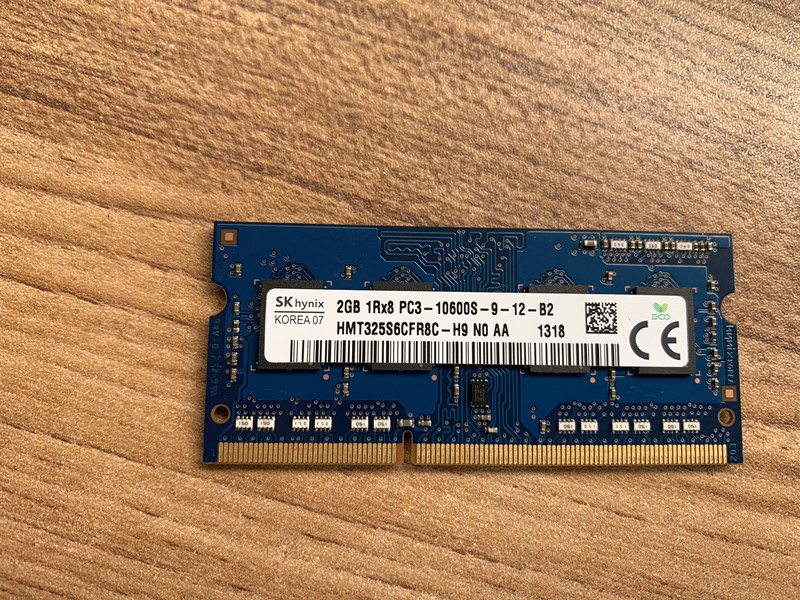
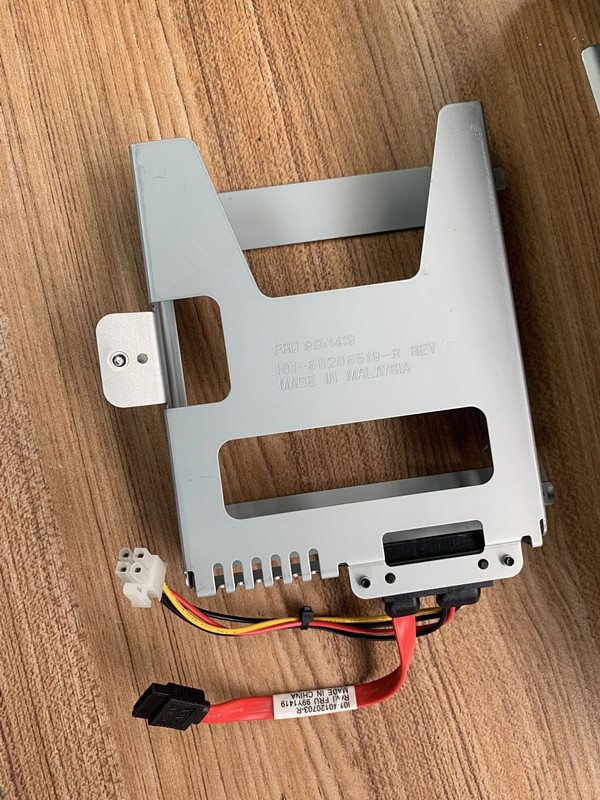
DDR2/DDR3 SO-DIMM and DIMM memory upgrades, mSATA SSDs, 2.5" SSDs, CompactFlash and industrial-grade storage for POS terminals. Upgrading an aging POS terminal from a mechanical 80 GB HDD to a 128 GB industrial SSD often doubles boot speed and dramatically improves reliability — a single mainstream upgrade that costs under $50 per unit. We carry validated memory and storage for IBM/Toshiba 4900, NCR 7610/7700, Wincor BEETLE, HP rp5800 and other tier-one terminals.
Browse other categories
Bixolom printer and accessoriesCables & ConnectorsEpson POS Printer And PartsFujitsu Printer And PartsMettler Toledo Electronic Scale And Spare PartsNCR RealPOS Printer And PartsPDA Equipment And PartsSNBC Thermal Printer And PartsStar micronics Printer And PartsTOSHIBA/IBM POS Terminal And Repair PartsWINCOR NIXDORF POS Terminal And Repair PartsCard Readers & ScannersCash Drawer and PartsCooling & HeatsinksDisplays & MonitorsInterface & Riser CardsPOS KeyboardsMainboards & MotherboardsOther PartsPOS Receipt PrintersPOS Terminal Repair PartsPOS TerminalsPower SuppliesPrinter Cutter & Gear PartsPrinter Interface CardsThermal Print HeadsCash Drawer Parts
Browse by brand
Frequently asked questions
Will adding more RAM to my POS speed things up?
If the system is paging to disk under normal use, yes — adding RAM is one of the cheapest performance upgrades. Most legacy terminals shipped with 1-2 GB which is severely under for modern Windows; upgrading to 4 GB (max for many DDR2 systems) eliminates paging. Check Task Manager during peak use to confirm.
Can I just put any laptop SSD in a POS terminal?
Functionally yes — they use the same SATA interface. Mechanically, the 2.5" form factor fits most POS bays. The case for industrial-rated SSDs is reliability: they tolerate higher temperatures, have higher endurance ratings (TBW), and use SLC or pSLC NAND that survives 24/7 retail duty far longer.
Does adding storage void my POS warranty?
Generally no — RAM and storage upgrades are user-serviceable on most POS terminals, and the warranty covers the original components. If a warranty issue arises, the upgrade can usually be removed before sending for service. Document the original config before upgrading.
What about CompactFlash on older POS systems?
Many embedded POS systems boot from CompactFlash. We stock industrial-grade CF cards in 4-32 GB capacities with SLC NAND for the highest endurance. Most modern SSDs are unsuitable replacements because they shed pages too aggressively for embedded BIOS expectations.